

Engineering · October 23, 2026
How to Search Local Code Snippets, Shell History and Terminal Logs on Mac
Search across zsh history, local git repositories, and active terminal sessions from a single unified keyboard launcher.

SearchOnMac Team
Developer Tools · 5 min read
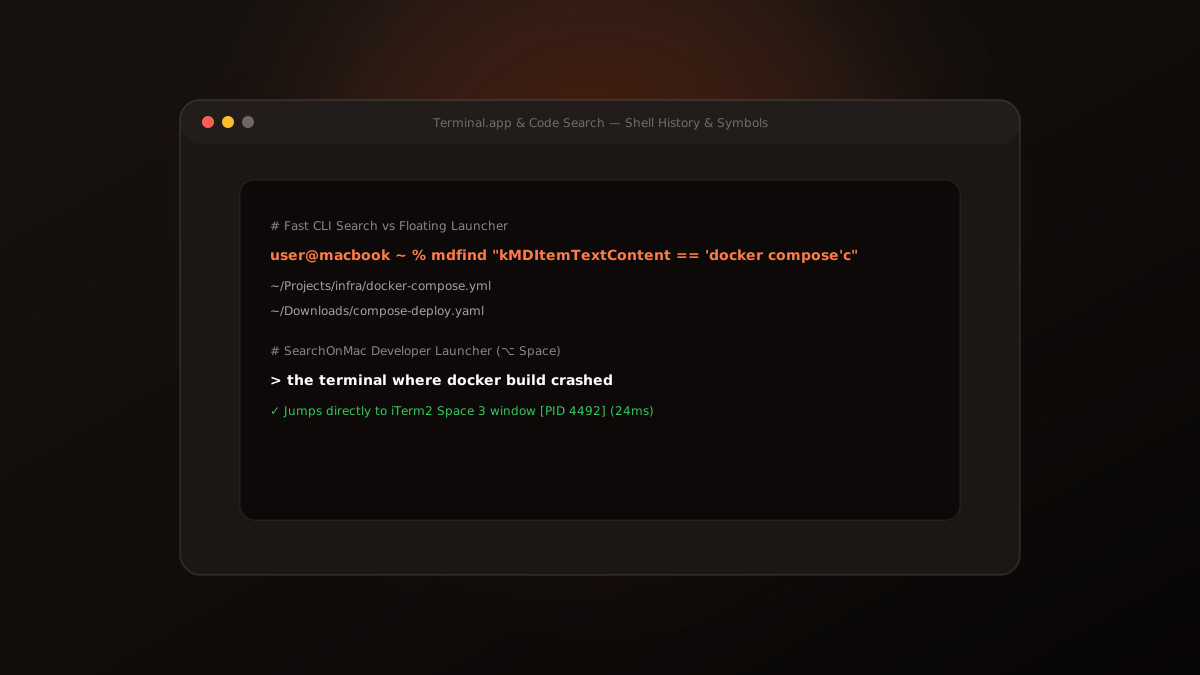
Developers spend hours per week re-running command-line searches, digging through ~/.zsh_history, and searching for code snippets across dozens of local clones. Here is how to streamline developer search on macOS.
1. Command-Line Search: mdfind and grep
macOS includes mdfind, a command-line interface to the Spotlight database. Running 'mdfind -onlyin ~/Projects -name package.json' allows quick terminal queries.
However, terminal commands don't help when you need to switch to an active window where a build process is currently running.
2. Window Title Indexing via Accessibility APIs
SearchOnMac connects to the macOS Accessibility API (AXUIElement) to index active terminal and IDE window titles. If you have an iTerm2 or Terminal window running a failed Docker build, typing 'the terminal where docker failed' switches focus to that window instantly.
Bridging file search with terminal window switching gives developers an effortless way to navigate active projects.