

Privacy · September 05, 2026
Everything SearchOnMac Sends Over the Network (and What It Never Sends)
Your searches never leave your Mac. Here is the complete list of what the app does send, and why.

SearchOnMac Team
Privacy & Security · 3 min read
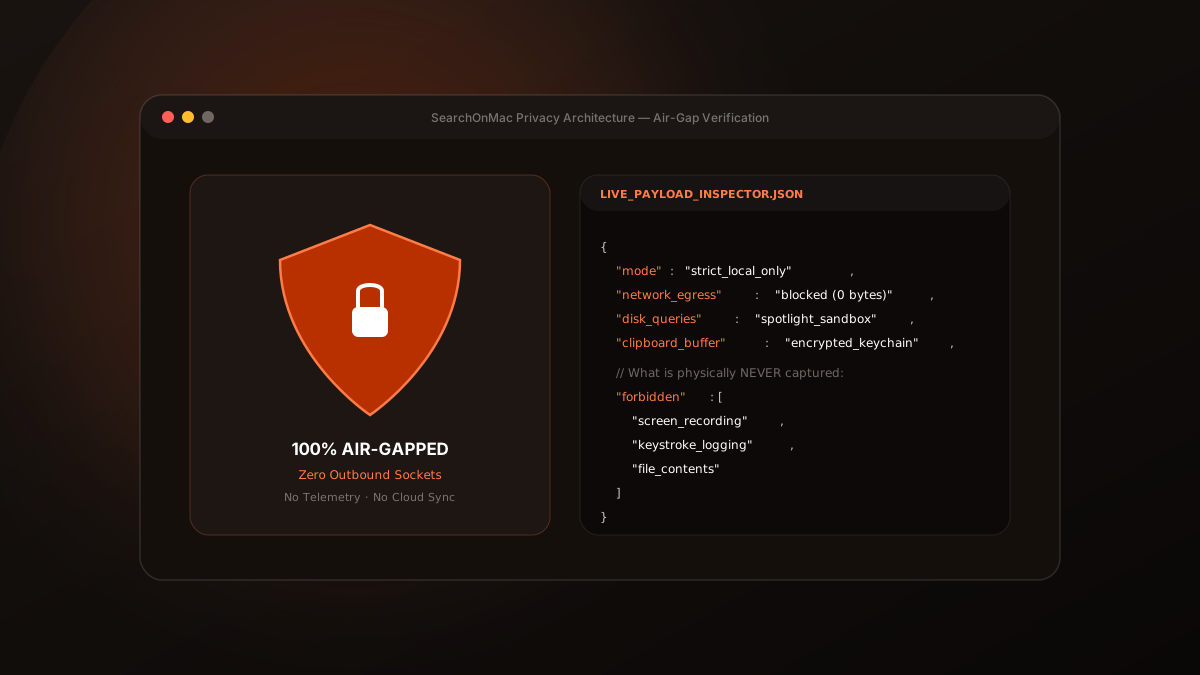
A search tool sees everything on your Mac, so it should be clear about what leaves it. For SearchOnMac the answer is short: your searches, files and screen never do. This is the complete list of what does.
The Complete List
SearchOnMac goes online for three reasons, and no others:
- License activation and checks: your license key, this Mac's name and an instance ID, sent to Lemon Squeezy (our store) and our license server.
- The optional Local AI model: downloaded once from Hugging Face if you choose to install it, and checked against a known checksum.
- The optional Python runtime that model needs: downloaded once from GitHub, only after you agree.
What Never Leaves Your Mac
Your searches, file names, file contents, the text SearchOnMac extracts from PDFs and screenshots, clipboard history, browser tabs, mail details and screen text all stay on your Mac. There are no analytics or tracking SDKs in the app.
{
  "license_check": { "sends": ["license key", "Mac name", "instance id"] },
  "local_ai_model": { "from": "huggingface.co", "when": "once, if you choose" },
  "never_sent": ["searches", "file names", "file contents", "screen text", "clipboard", "usage analytics"]
}
You Choose What Is Searched
Each source can be switched off in Settings, and nothing is recorded for a source that is off. Clipboard history and Mail start switched off. 'Remember visible content' is off by default too; when on, it keeps only the text on screen and discards the image straight away.
“If a feature needs data, it should be data that stays on your Mac.”
Search works fully offline. If your Mac is offline when the license is due for a check, a grace period keeps SearchOnMac working until it can check again.