

Product · October 23, 2026
Maccy vs SearchOnMac: Dedicated Clipboard Manager vs Unified Search
Compare standalone menubar clipboard popups with unified desktop search that integrates clipboard history, files, windows, and apps.

SearchOnMac Team
macOS Workflows · 4 min read
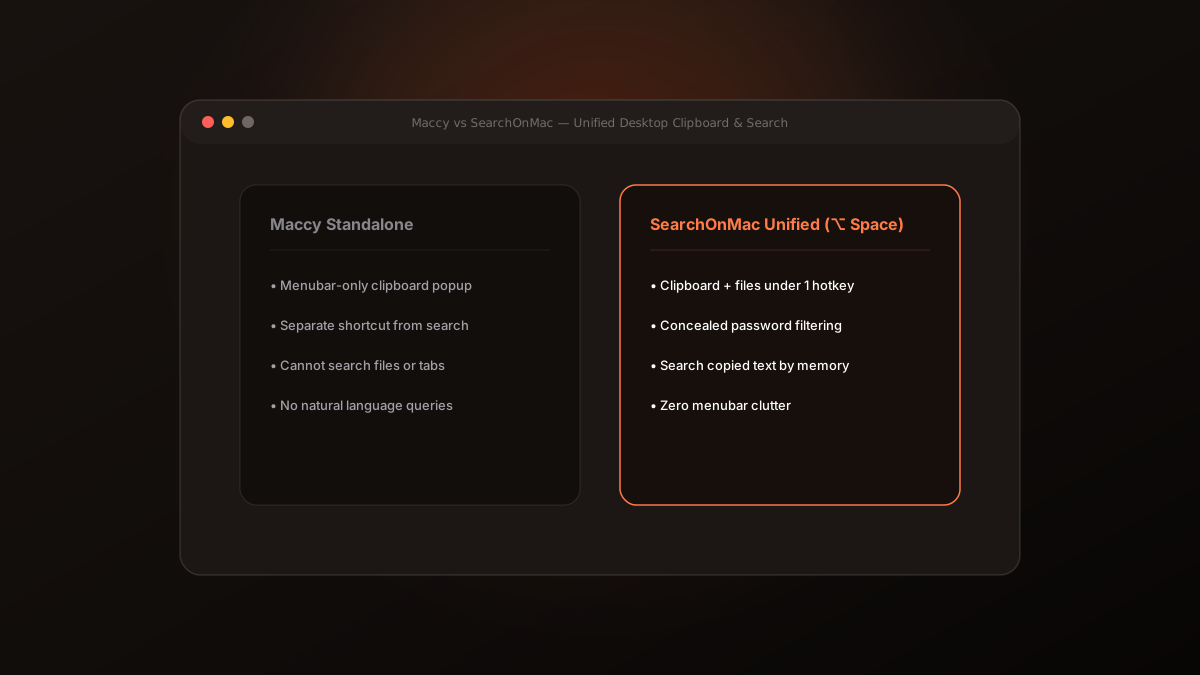
Maccy is one of the most beloved open-source utilities on macOS. Its lightweight native Swift code and clean menubar popup make clipboard management simple. But having separate utilities for clipboard, files, and app launching creates unnecessary cognitive fragmentation.
1. The Shortcut Sprawl Problem
Modern knowledge work requires juggling too many hotkeys: Command + Space for Spotlight, Command + Shift + C for Maccy, Command + Tab for app switching, and browser extensions for tab hunting.
Each additional shortcut requires conscious memory and increases the likelihood of keyboard conflicts.
2. The Unified Search Model
SearchOnMac builds clipboard history directly into its core floating launcher (⌥ Space). When you copy text, code snippets, or links, SearchOnMac stores them locally with concealed password filtering.
When you search, clipboard snippets appear alongside your documents and open tabs, letting you retrieve copied data by describing it naturally.
- One hotkey for files, apps, window tabs, and clipboard.
- Concealed password filtering prevents sensitive credentials from leaking.
- 100% on-device storage with zero external sync.
Maccy remains a fantastic standalone utility. But for users who prefer minimal menubar clutter and a single unified launcher, SearchOnMac brings everything together.