

Product · October 20, 2026
The Best Alfred Alternatives for Mac in 2026: Modern Launchers Compared
Alfred 5 pioneered macOS launchers with its visual scripting canvas. Here is how modern alternatives compare when you want zero-configuration natural language search.

SearchOnMac Team
Productivity & Workflows · 5 min read
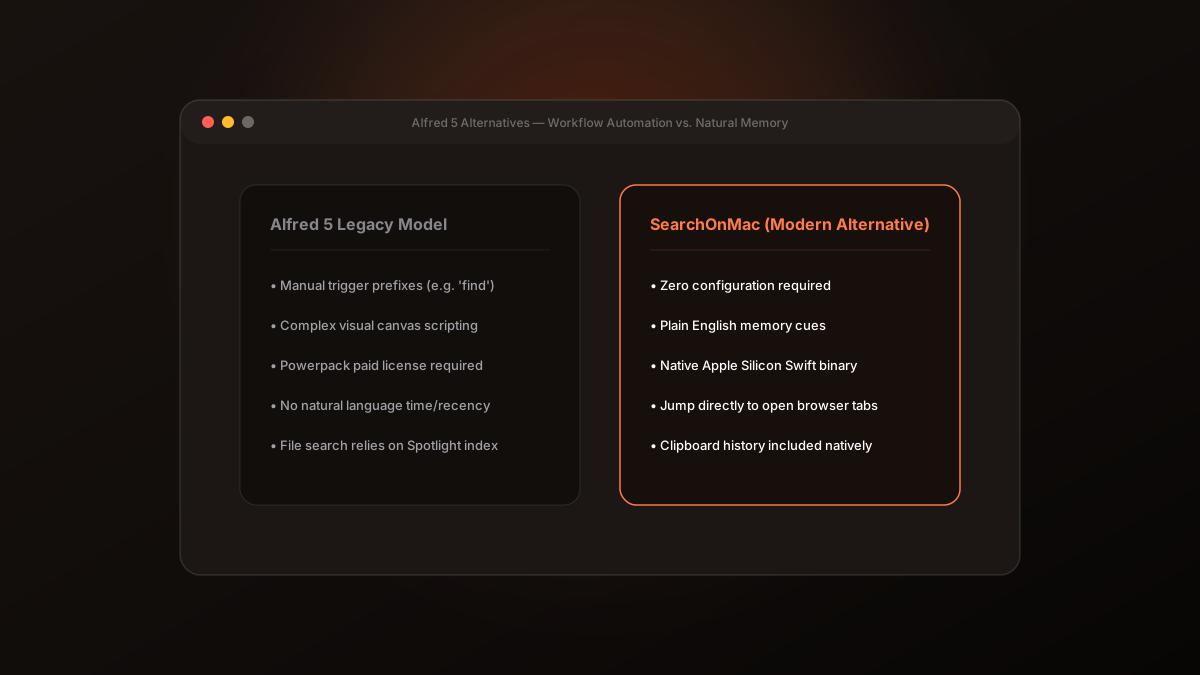
Alfred has been a crown jewel of the macOS power user community for well over a decade. Its Powerpack workflow editor enabled Mac developers to wire together AppleScript, shell scripts, and hotkeys. But in 2026, user expectations for productivity launchers have shifted.
1. Why Users Are Seeking Alfred Alternatives
Alfred 5 requires users to memorize distinct keyword triggers ('find', 'in', 'open', custom workflow prefixes) to steer searches. Modern workflows are no longer confined to local ~/Documents folders: work is distributed across ephemeral browser tabs, terminal sessions, and clipboard buffers.
2. Workflow Scripting vs. Natural Intent
Alfred asks you to build a visual script chart to automate a query. SearchOnMac uses local Apple Silicon intelligence to parse natural human language directly.
Instead of learning command syntax, you type 'the pdf I downloaded this morning' or 'the terminal where git pull failed' and get the exact result in under 50 milliseconds.
If you enjoy maintaining custom shell workflows, Alfred 5 remains a fantastic classic. But if you want a launcher that understands your context out of the box with zero scripting, SearchOnMac is the modern successor.