

Engineering · October 23, 2026
Find Any File Alternative: Deep Disk Scanning vs Instant Memory Launcher
Bypassing the Spotlight index with low-level disk traversal vs instant sub-50ms launcher speed: how to choose the right Mac search tool.

SearchOnMac Team
macOS Core Systems · 5 min read
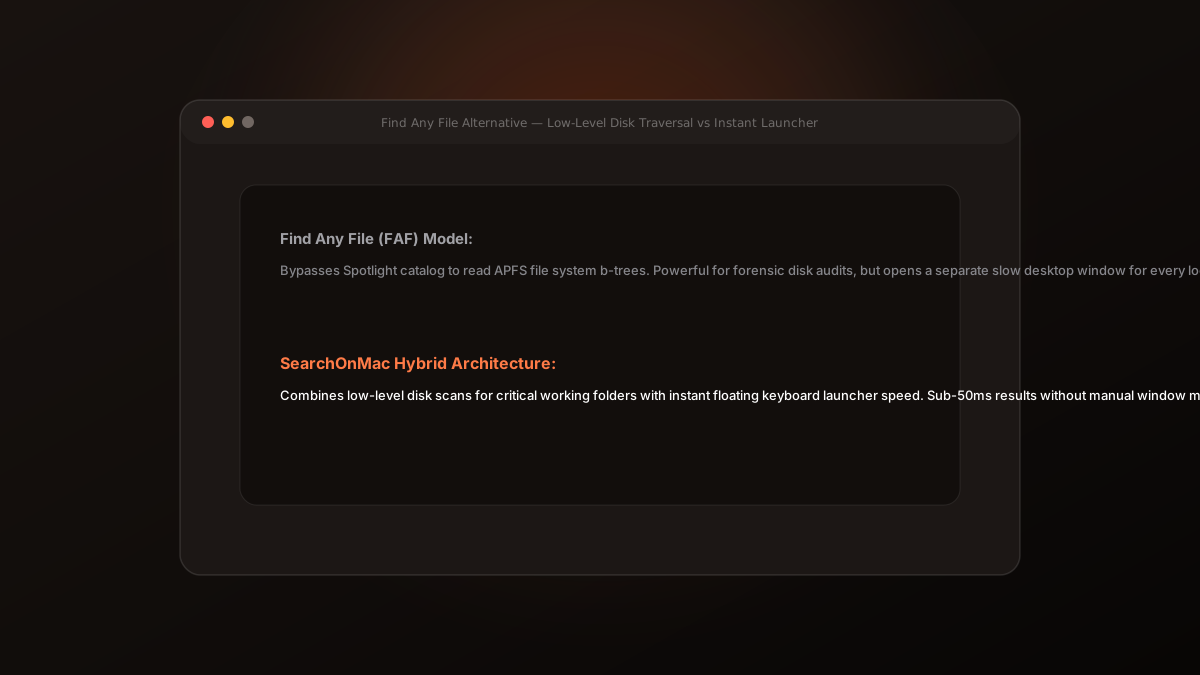
Find Any File (FAF) is a legendary macOS diagnostic utility written by Thomas Tempelmann. Unlike Spotlight, it doesn't use a background database index; instead, it reads the APFS/HFS+ file system directly. Here is how it compares to modern memory launchers.
1. Why Find Any File Exists
When Spotlight crashes, gets stuck indexing, or excludes system directories like /Library or ~/Library, Find Any File digs deep into the disk file-tree directly, finding hidden caches and package contents that Spotlight ignores.
The trade-off is latency: scanning a 2TB SSD takes several seconds to minutes, making it ideal for deep troubleshooting rather than rapid daily launches.
2. The Hybrid Approach in SearchOnMac
SearchOnMac takes a hybrid path: it queries the Spotlight metadata daemon for instant sub-50ms responses, but maintains concurrent fast file-system scans across critical working directories (Downloads, Documents, Desktop, Projects).
This ensures that newly downloaded files appear on screen immediately even before macOS finishes background Spotlight indexing.
Keep Find Any File for deep system troubleshooting and disk maintenance. Use SearchOnMac for your daily floating launcher and memory-based retrieval.